


Set a no-answer routing rule that hands unanswered calls to a voice-first AI receptionist within four rings, and you’ll stop losing quotes to the next tradie on Google. This afternoon, that’s the fix.
For Australian tradies, Ask Hayley is built to do exactly this: answer, pre-qualify the lead, and book the job while you’re still up the ladder.
- Set your timeout to around 24 seconds, before carrier voicemail can grab the call
- Route no-answer calls to a voice-first fallback, not a generic voicemail box
- Expect more captured leads and fewer no-shows within the first fortnight
Key Takeaways
Missed calls cost tradies real jobs, and the fix is routing unanswered calls to a voice-first fallback before carrier voicemail intercepts them.
| Point | Details |
|---|---|
| Set your timeout correctly | Trigger your routing rule before the roughly 24-second carrier voicemail window closes. |
| Match the fallback to your business | Solo tradies suit text-back; teams needing conversions suit AI agents or live receptionists. |
| Test before you trust it | Call your own number while busy, unreachable, and mid-job to confirm routing actually fires. |
| Vet providers on integration, not just price | Confirm Australian support, Xero/AroFlo compatibility, and trial availability before signing. |
| Ask Hayley handles the whole flow | Answers, pre-qualifies, and books jobs hands-free, built specifically for Australian trade businesses. |
Table of Contents
- What is no answer call handling and how does it work?
- What are the best fallback options when nobody answers?
- How do you set up no-answer call handling today?
- What does no-answer call handling cost in Australia?
- What should you ask a call handling provider before signing up?
- How does Ask Hayley handle no-answer calls for tradies?
- How Aussie tradies should actually think about no-answer handling
- Get Ask Hayley answering your calls before they go missing
- Frequently asked questions about no-answer call handling
- Sources
What is no answer call handling and how does it work?
No answer call handling is the set of rules your phone system follows once a call rings out unanswered. Every cloud phone system and most PBX setups let you define what happens next: send it to voicemail, forward it, drop it into a queue, or hand it to a live person.
Three call flow types cover most small businesses. Linear rings one number at a time in order. Simultaneous rings every device at once, useful if you and an apprentice both carry phones. Sequential (or hunt-group) tries a list one after another until someone picks up or the group runs out.
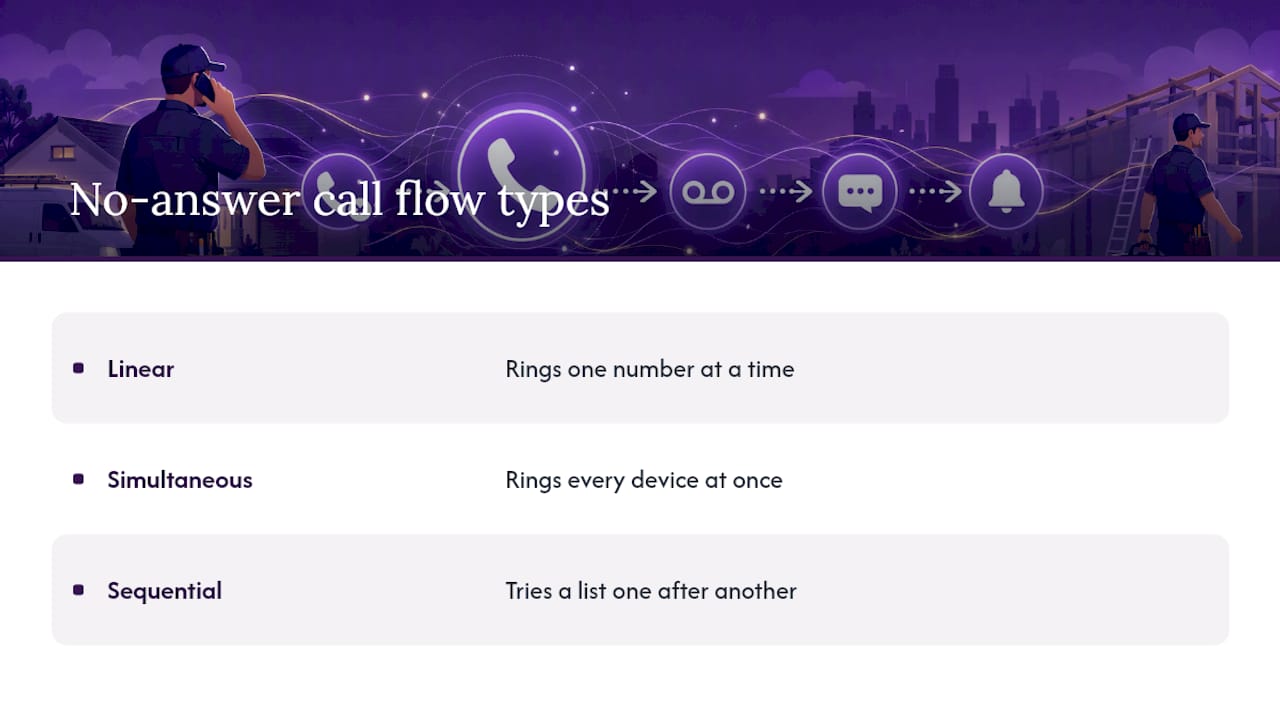
Timing is the detail most tradies get wrong. Default no-answer timeouts on many hunt-group systems sit around 24 seconds, roughly four rings, and your routing rule has to trigger before that window closes. Vendor guidance on no-answer routing is blunt about this: if your carrier’s own voicemail timer runs shorter than your routing rule, the carrier wins and your fallback never fires.

Once a call is intercepted, your system can trigger an SMS acknowledgement, a voice menu, an automated callback, an AI phone agent, or a transfer to a live receptionist. Developer guides for building this from scratch, like Twilio’s no-answer tutorial, show the same pattern: detect no-answer, prompt for a callback number, capture the message, and log it for follow-up.
Pro Tip: Call your own business number from a mate’s phone and count the rings before it drops to voicemail. If it beats your routing rule to the punch, shorten your timeout by a few seconds and test again.
What are the best fallback options when nobody answers?
Not every fallback suits every business. A solo sparkie doesn’t need the same setup as a five-van plumbing outfit fielding after-hours emergencies.
- Voicemail: free and universal, but most callers hang up rather than leave a message
- Conditional call forwarding: sends unanswered calls to a second number, built into most phones
- Call queue overflow: holds callers in a queue during peak hours, then overflows to another line
- IVR/voice menu: routes callers by pressing 1 for quotes, 2 for emergencies, and so on
- Automated SMS text-back: fires an instant text the moment a call is missed
- Automated callback flow: captures a number and message, then calls the customer back automatically
- AI phone agent: answers live, asks qualifying questions, and can book directly into your calendar
- Live virtual receptionist: a real person answers as your business, ideal for high-value emergency callouts
Cost-sensitive solo tradies often start with basic forwarding or text-back, since SMS text-back services are cheap and give callers something immediate. Small teams with predictable peak hours benefit more from queue overflow paired with an IVR. If lead conversion matters more than cost, an AI agent or live receptionist captures far more detail than a missed-call text ever will, particularly when you’re on a roof with no signal and can’t answer either way.
How do you set up no-answer call handling today?
- Check your current setup. Note your carrier’s voicemail timeout and any existing forwarding rules on your phone.
- Add a no-answer routing rule on your VoIP or cloud provider, set to trigger a few seconds before carrier voicemail kicks in.
- Enable an SMS acknowledgement or callback option so the caller gets an instant response even if nobody’s free.
- Route escalations to Ask Hayley or a live overflow line for calls that need a real answer, not just a text.
- Test it properly. Call your business number while busy, unreachable, and mid-job, and confirm the routing fires before carrier voicemail does.
- Log missed-call follow-up times for two weeks and compare bookings before and after. That’s your actual measure of improvement.
Device-level forwarding, whether on iPhone or Android, can compete with cloud rules if both are active. Turn off phone-level forwarding once your cloud routing is confirmed working, or you’ll end up with calls bouncing between two systems.
What does no-answer call handling cost in Australia?
Pricing scales roughly with how much of the conversation gets automated versus handled by a person.
- DIY text-back or basic forwarding: the cheapest tier, often a flat monthly fee with no per-call charge
- Cloud telephony with IVR and callback: a mid-tier cost, usually a small monthly number rental plus setup
- AI-managed agent or virtual receptionist: the higher tier, reflecting the qualifying, booking, and CRM work being done on your behalf
Watch for the line items that blow out a quote: per-minute charges, per-answered-call fees, SMS costs, and setup fees that aren’t mentioned upfront. A missed call for a service business is very often a missed sale, since callers who don’t hear back quickly tend to just ring the next name on the list. That’s the real cost of doing nothing, and it doesn’t show up on any invoice.
The simplest ROI check: track bookings captured against total missed calls before you make a change, then run the same ratio for two weeks after. If that ratio climbs, the fallback is paying for itself.
What should you ask a call handling provider before signing up?
A slick demo doesn’t tell you whether a provider will actually work for a trade business. Ask these before committing:
- Are the operators Australian based, and what’s the actual speed of answer under load?
- What’s the SLA if calls go unanswered during a spike?
- Does it integrate with Xero, AroFlo, or your existing CRM without manual re-entry?
- Can you trial it or see a live demo of the failover routing before paying?
- What’s the number porting policy if you want to leave later?
- Can you export call transcripts and data on request?
- Does the SMS follow-up include the required opt-out language, since Australian SMS rules require disclosure and a way to reply “STOP”?
Red flags worth walking away from: no local support team, vague per-call pricing, no test environment, and transcription so rough you can’t act on it. Push for a short pilot period with sample transcripts before you sign anything longer term.
How does Ask Hayley handle no-answer calls for tradies?
Ask Hayley picks up exactly where a missed call would otherwise end. It’s a voice-first platform built for Australian tradies, so the call gets answered, the lead gets pre-qualified, and where it makes sense, the job gets booked into your calendar without you touching a screen.
- Answers inbound calls the moment you can’t, no typing required on your end
- Pre-qualifies the caller before the enquiry lands in your inbox
- Books appointments directly and syncs with Xero and AroFlo
- Works hands-free, built for someone with gloves on and a phone in a ute cupholder
Getting started is straightforward: sign up, forward or port your number, choose between the Assistant or Office Manager plan, and set your failover hours and escalation rules from there.
How Aussie tradies should actually think about no-answer handling
Most advice on this topic treats a missed call as a technical problem: pick the right forwarding rule, tweak the timeout, job done. That misses the real issue. The problem isn’t the ring, it’s the twenty seconds after it, and what the caller experiences in that gap.
A voicemail greeting doesn’t answer a question. A generic text-back doesn’t book a job. The tradies who convert the most missed calls into paid work are the ones whose fallback can actually hold a conversation, ask the right follow-up question, and get a time in the diary before the caller rings someone else.

That’s the gap between “we have a system for missed calls” and “we don’t lose the job.” Most small businesses have the first. Very few have the second, mostly because building a proper AI-qualified, calendar-integrated fallback used to require developer resources most trade businesses don’t have and don’t want. The fix isn’t a smarter voicemail greeting. It’s replacing the fallback altogether with something that can actually do the job the missed call needed done in the first place.
Get Ask Hayley answering your calls before they go missing
If you’ve been patching together forwarding rules, a text-back app, and a voicemail greeting, you’ve already got three separate systems doing what one should. Ask Hayley replaces that patchwork with a single voice-first receptionist that answers, pre-qualifies, and books the job while you’re still on the tools.
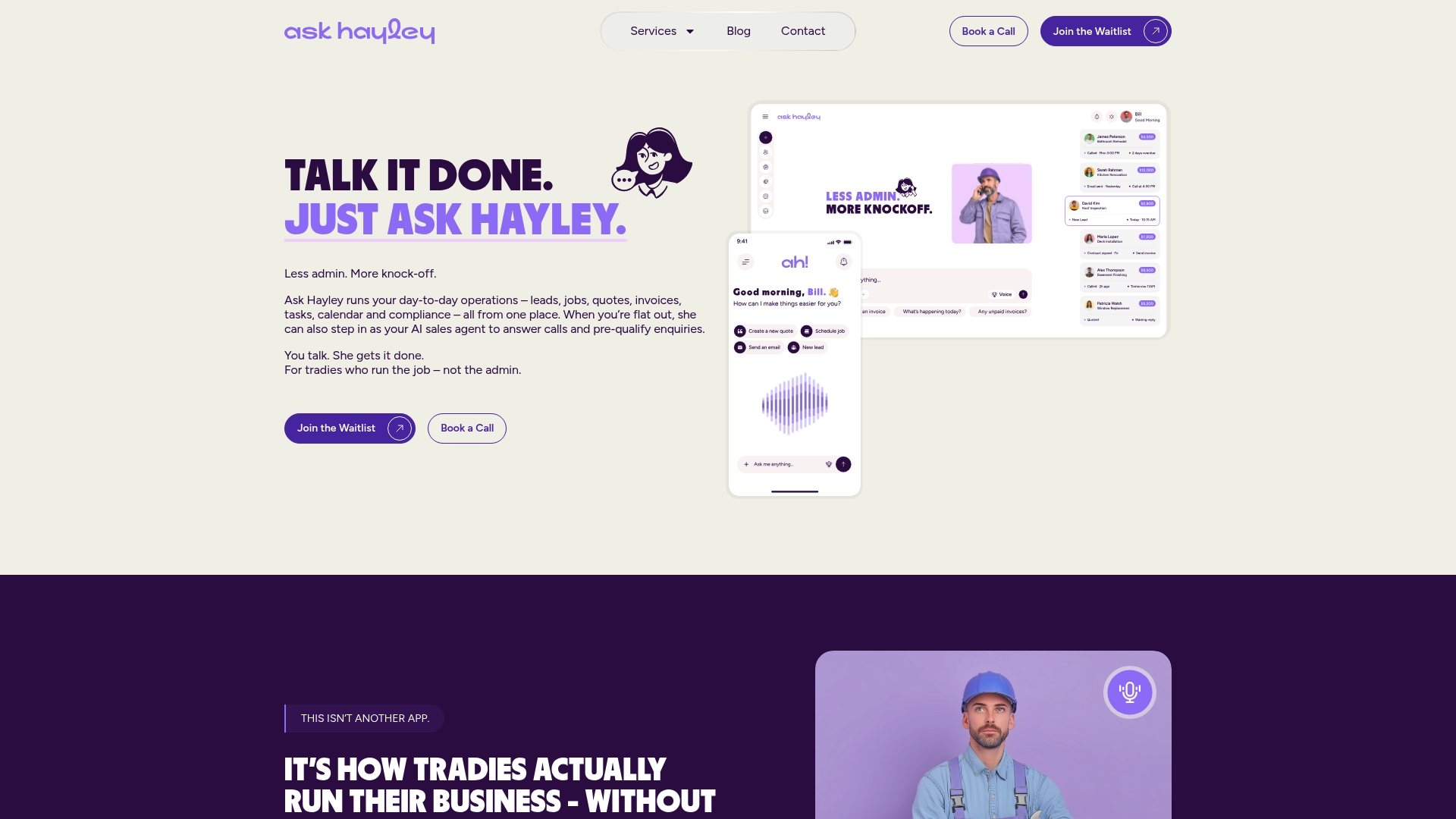
It’s built specifically around how trade work actually happens: no dashboard to check, no forms to fill in between jobs, just a call that gets handled properly whether you’re up a ladder or under a ute. Every plan connects to Xero and AroFlo, so a booked job doesn’t mean a second round of data entry later. Choose between the Assistant and Office Manager plans depending on how much of your admin you want handled, with an AI Sales Agent or website chatbot as add-ons if you want coverage beyond the phone.
Head to the Ask Hayley homepage to see the plans, or check the services page for the detail on what Assistant and Office Manager each cover, then set up your first call flow this week.
Frequently asked questions about no-answer call handling
What counts as a “no answer” call?
Most systems classify a call as no-answer once it rings out without pickup, typically around four rings or roughly 24 seconds, depending on your provider’s default settings.
Should I use call forwarding or a routing rule?
Basic forwarding works for simple setups, but it competes with cloud routing if both are active. Pick one system as the source of truth and disable the other.
Is an AI phone agent reliable enough for urgent trade calls?
A well-configured voice-first agent like Ask Hayley can pre-qualify and book straightforward jobs immediately, while flagging genuine emergencies for a live callback.
Do automated SMS replies need special wording in Australia?
Yes. Automated text-back messages need disclosure and an opt-out line, such as “Reply STOP,” to meet Australian SMS compliance rules.
How long should I trial a new call handling setup before switching fully?
Two weeks is usually enough to compare missed-call follow-up times and booking rates before and after, giving you a real measure of whether it’s working.
Sources
- How to Handle No-Answer/Pickup Scenarios with Voicemail and Callback using Twilio Voice
- Unanswered Call Handling
- No Answer Routing – CallTrackingMetrics Ticket Portal
- SMS compliance laws Australia (AustraliaBulkSMS guide)


