


Yes, you can create a tax-compliant invoice by speaking it, provided the system captures your ABN, GST status, an invoice date, itemised work and the total, and you check it before it goes out. The safest routine is simple: record the job on-site, review the parsed invoice for accuracy, then sync it to your accounting software or send the PDF. Tools like Xero already support this kind of plain-language invoice creation.
TL;DR:
- Voice invoicing must include your ABN, GST status, invoice date, itemized work, and total amount to be tax-compliant in Australia.
- Using consistent speech patterns when listing customer, job, labor, parts, and GST helps reduce parsing errors and ensures accuracy.
- Cloud processing offers higher accuracy for complex line items, but on-device processing ensures faster, offline functionality.
- Always review the parsed invoice before sending to catch misinterpretations of job details or totals and attach supporting photos or notes.
- The approach is most effective for simple, single-trade jobs with a clear scope, while complex or multi-trade jobs might require manual input or templates.
Table of Contents
- How does voice to invoice actually work?
- What makes a voice invoice ATO-compliant?
- Setting up a voice invoicing routine that actually sticks
- Choosing a voice invoicing approach: what actually matters
- Ask Hayley’s take on voice-first admin for tradies
- When voice invoicing works, and when it doesn’t
- Try Ask Hayley: voice-first invoicing without adding another app
- Sources
- FAQ
How does voice to invoice actually work?
Voice to invoice runs on two layers stacked together. The first is speech to text invoicing: your phone or app records what you say and transcribes it into text, either on the device itself or by sending audio to a cloud server. The second layer is natural language parsing, where software reads that transcript and pulls out the structured pieces an invoice needs: customer name, job description, hours or quantities, rates, and whether GST applies.
This isn’t new technology dressed up. Voice recognition billing has been documented in patented voice-based payment systems since the 1990s, and those early systems already understood something modern tools still rely on: a playback confirmation loop. The machine reads back what it heard before locking anything in.
That review step matters more than the transcription itself. A parser might hear “three hours” as “free hours” or split a customer’s name incorrectly. Reviewing before you send is what keeps a mis-parse out of your books, not the transcription accuracy alone.
On-device processing tends to work faster and keeps functioning without signal, which matters if you’re wiring a switchboard in a basement. Cloud processing is usually more accurate on the trickier line items but needs a connection to work.
Pro Tip: Structure your spoken invoice the same way every time to cut down on parsing errors. Try something like: “Invoice Sam Smith. Hot water install. Three hours labour, $260. Parts, $420. GST included.” A consistent order (customer, job, labour, parts, GST) trains you and the software at the same time.
- Speak the customer name and job description first.
- State labour hours and rate, then parts and materials.
- Confirm GST status out loud (“GST included” or “plus GST”).
- Review the parsed draft against what you actually said.
What makes a voice invoice ATO-compliant?
An Australian tax invoice has non-negotiable fields, and a voice tool that skips any of them will hand you a document the Australian Taxation Office won’t recognise for GST purposes.
For GST-registered sole traders, a compliant tax invoice needs:
- Your ABN, clearly stated
- The words “Tax Invoice”
- The invoice date
- A description of the goods or services
- The GST amount (or a statement that the total includes GST)
- The total price
A decent voice-to-invoice system should prompt you for your ABN and GST registration status once, at setup, then apply them automatically to every invoice afterwards. If it doesn’t ask, that’s a gap, not a feature.
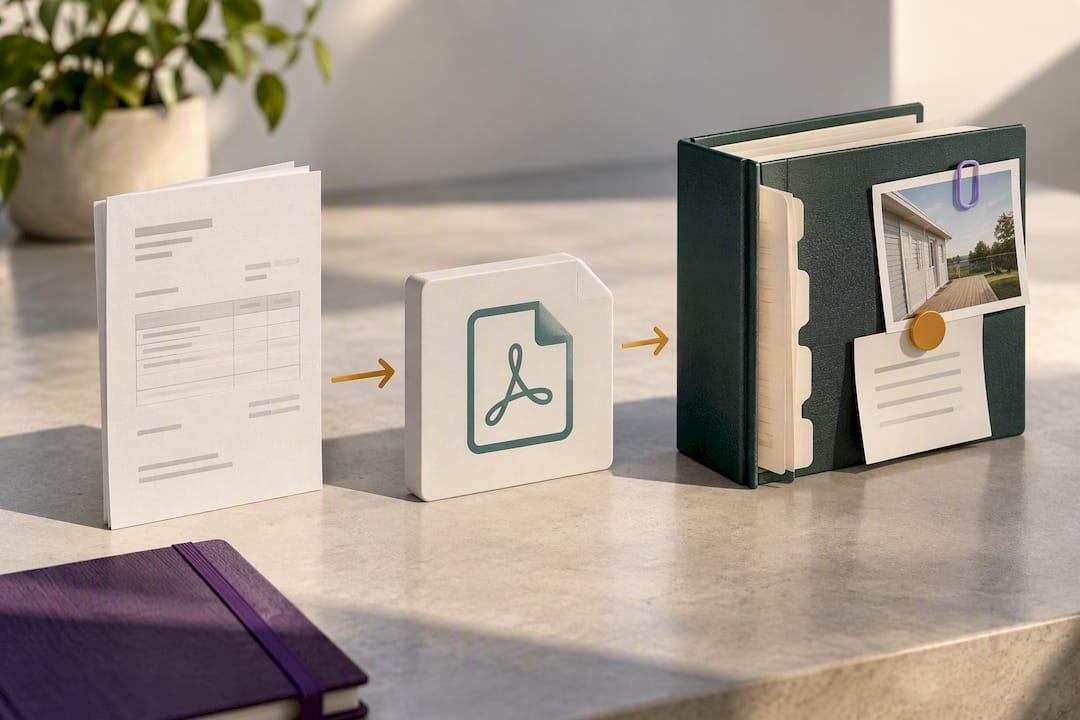
Keeping records for your BAS is where the habit really pays off. Save PDFs of every invoice, reconcile them inside Xero or MYOB, and attach photos or notes of the completed work when the job’s worth documenting. Historical voice billing systems built around confirmation playback exist precisely because this kind of automated, spoken data entry is prone to small slips that compound at tax time. A five-second read-back before you hit send is cheap insurance against a BAS correction later.
Setting up a voice invoicing routine that actually sticks
Getting this right starts before your first job of the day, not during it.
- Set your defaults once. Enter your ABN, GST registration status, and your most common service items and prices.
- Turn on accounting sync. Connect Xero, MYOB, or QuickBooks so invoices land in your ledger without manual entry.
- Enable payment links. A tool built on something like Stripe Invoicing lets clients pay straight from the invoice, which shortens the wait for payment noticeably.
- On-site, record the job using your structured template, then check the parsed line items and totals before confirming.
- Attach photos or notes for anything a client might query later, then send or sync.
If a job involves two trades or a subcontractor, dictate each scope separately rather than blending them, and flag disputed jobs for manual review before sending. A messy single dictation is where most parsing errors hide.
Choosing a voice invoicing approach: what actually matters
Skip the feature lists and focus on four things that decide whether a tool earns its place on your phone.
- ATO compliance by default. It should handle ABN, GST and invoice date fields without you having to remember to add them.
- Real accounting integration. Check whether it syncs properly with Xero, MYOB or QuickBooks, not just exports a CSV you have to import manually.
- Genuine hands-free usability. If you still need to tap through five screens to fix a line item, it’s not really voice-first.
- Pricing that fits your job volume. Free tiers exist across the market, including platforms like Zoho Invoice, but check limits on invoice numbers and whether GST handling is included or an add-on.
Data ownership matters too. Ask where your voice recordings and transcripts are stored, and for how long, before you commit.
Pro Tip: Test any tool on your worst-case job first, not your easiest one. If it can correctly parse a multi-material job with a GST-inclusive quote, it’ll handle the simple ones without a second thought.
Ask Hayley’s take on voice-first admin for tradies
Voice to invoice works best as one piece of a bigger admin system, not a standalone app you switch to mid-job. Some platforms are built around that idea: you talk, and the system handles the paperwork that used to eat your evenings.
A typical flow looks like this:
- A call comes in while you’re on the tools, and Hayley answers it and pre-qualifies the lead.
- That call becomes a work order, logged with the job details already captured.
- On-site, you add a voice note covering labour, parts and GST status.
- The note converts to an invoice, which syncs to your accounting software or sends straight to the client.
No separate invoicing app, no re-typing what you already said on the phone.
— Hayley
When voice invoicing works, and when it doesn’t
Voice invoicing is at its best on quick, single-trade jobs with a clear scope, like a service call or a straightforward install. It gets shakier on complex, multi-trade quotes or heavily regulated scopes where wording needs to be exact.
Start here if you’re missing invoices, losing time on admin, or doing mostly repeat jobs. Pause and use a written template instead if a job involves multiple trades, disputed pricing, or compliance language a court might scrutinise later.
Try Ask Hayley: voice-first invoicing without adding another app
Ask Hayley is the alternative to typing invoices between jobs. Instead of pulling up a form on a cracked phone screen with dirty hands, you speak the job details once and Hayley builds an ABN and GST aware invoice around them, tracks the work order, and keeps it moving through your accounting workflow.
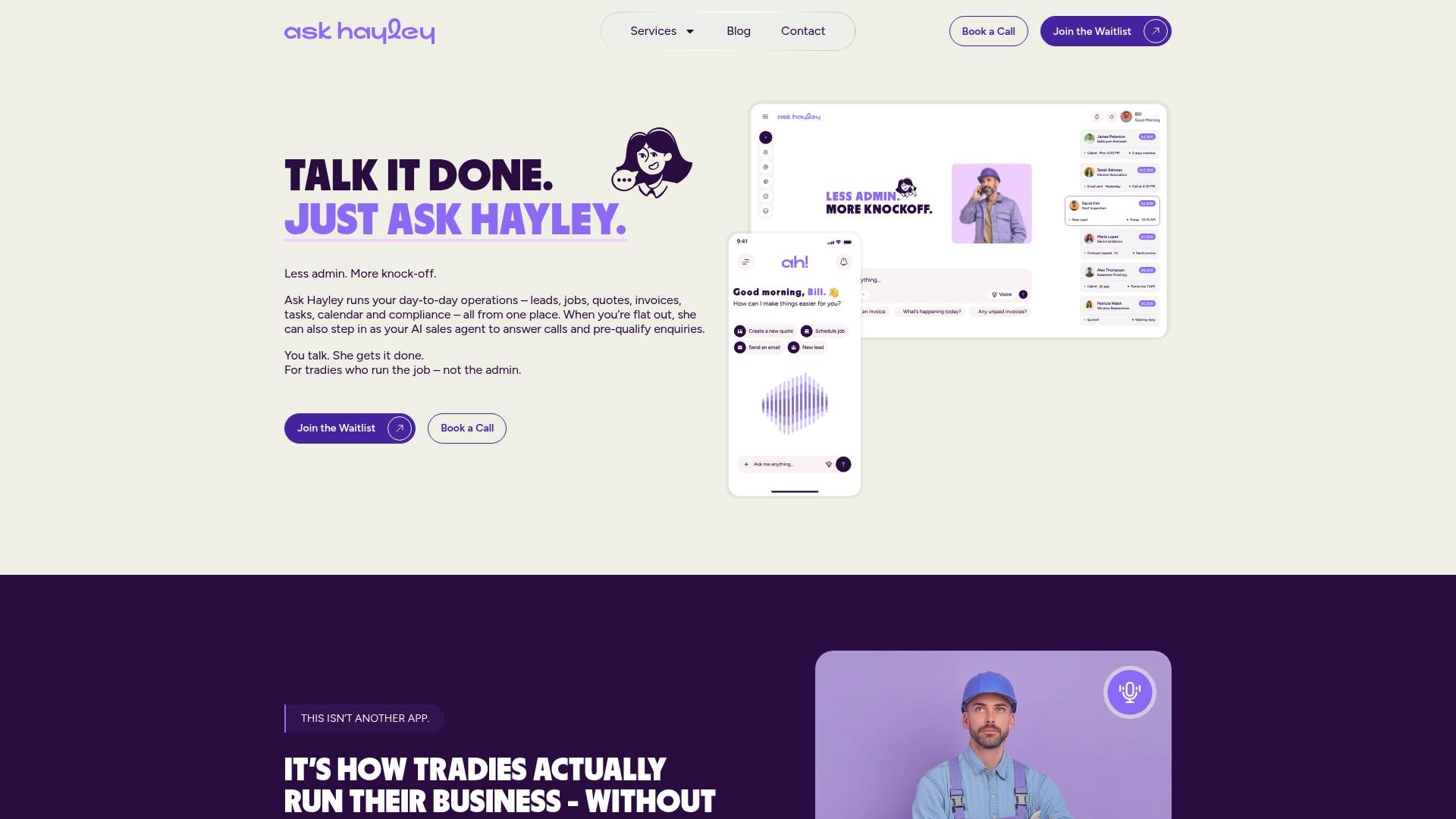
The platform is built around two plans, Assistant and Office Manager, with add-ons for an AI Sales Agent and AI Website Chatbot if you want coverage across calls and enquiries as well as admin. For tradies who also want a simple online presence to sit alongside their invoicing and payment links, Ask Hayley’s one page website service covers that too. Fewer missed invoices, less time lost to admin, and no second app to learn. Head to Ask Hayley to see the plans and get started.
Sources
- Send invoices online from wherever you are with the Xero Accounting app
- Stripe invoicing
- Voice-based bill payment system (patent)
FAQ
What is legally required on an invoice in Australia?
A compliant Australian tax invoice needs your ABN, the words “Tax Invoice”, the invoice date, a description of the goods or services, the GST amount (or a statement that GST is included), and the total price. Missing any of these can cause problems with your BAS reporting.
What is the best free invoicing app in Australia?
Several platforms offer free tiers, including Zoho Invoice, though limits on invoice numbers and GST handling vary. For voice-first invoicing specifically, check that any free tier still applies ABN and GST fields correctly, which is where some approaches focus.
Is it illegal not to provide an invoice in Australia?
If you’re GST-registered, you’re required to provide a tax invoice when requested. Sole traders under the GST threshold have more flexibility but should still issue a written record for larger jobs.
How do you generate an invoice in Australia using voice?
Speak the customer name, job description, labour and parts costs, and GST status in a consistent order, then let the software parse it into a draft invoice. Review the draft for accuracy before sending or syncing it to accounting software like Xero, MYOB, or through a platform like Ask Hayley that builds the invoice directly from your voice note.


