
Voicemail-to-text converts voice messages into readable text so you can scan, prioritise, and act without stopping to listen. For Australian tradies, the fastest path is a voice-first platform that pushes transcripts directly into your job management flow, whether that is Xero, AroFlo, or a shared business inbox. The Australian Privacy Act applies the moment those transcripts contain a caller’s personal details, so your setup needs to handle data correctly from day one. Ask Hayley is built around exactly this workflow.
Table of Contents
- How does voicemail-to-text actually work?
- Why tradies gain the most from voicemail-to-text
- What are your practical setup options?
- What should you look for when choosing a service?
- What does voicemail-to-text typically cost, and how long does setup take?
- Australian privacy and recording basics you need to know
- A hands-free workflow from missed call to booked job
- Your checklist to get voicemail-to-text running this week
- Key takeaways
- Why voice-first is the only sensible approach for tradies
- Ask Hayley handles this for Australian tradies
- Useful sources and further reading
How does voicemail-to-text actually work?
Voicemail-to-text is an automated speech-to-text process. Audio from a missed call gets converted into written text, then delivered somewhere useful. Three distinct paths exist for tradies.
Native carrier or phone transcription runs on your handset or through your telco. Apple’s Live Voicemail (iOS 17) shows a transcript as the caller speaks. Android’s Phone by Google does something similar. These are instant but struggle with trade jargon, site noise, and Australian accents.
VoIP or business phone systems sit between your calls and your team. The VoIP provider transcribes the audio and routes transcripts to email or a connected management system, making every message searchable by phone number, date, or client name.
Upload-and-transcribe services let you export a voicemail audio file (M4A or WAV) and upload it to a transcription tool for a clean text return. This suits occasional needs but adds a manual step.
Where the transcript lands matters more than which engine produced it. A message sitting in a separate app helps no one on a busy site. Delivery into your email or job system is what turns a transcript into a task.

Why tradies gain the most from voicemail-to-text
The primary advantage is speed to action. You glance at a transcript between jobs, spot the address and callback number, and decide whether to respond now or queue it. No headphones, no replaying a muffled message three times.
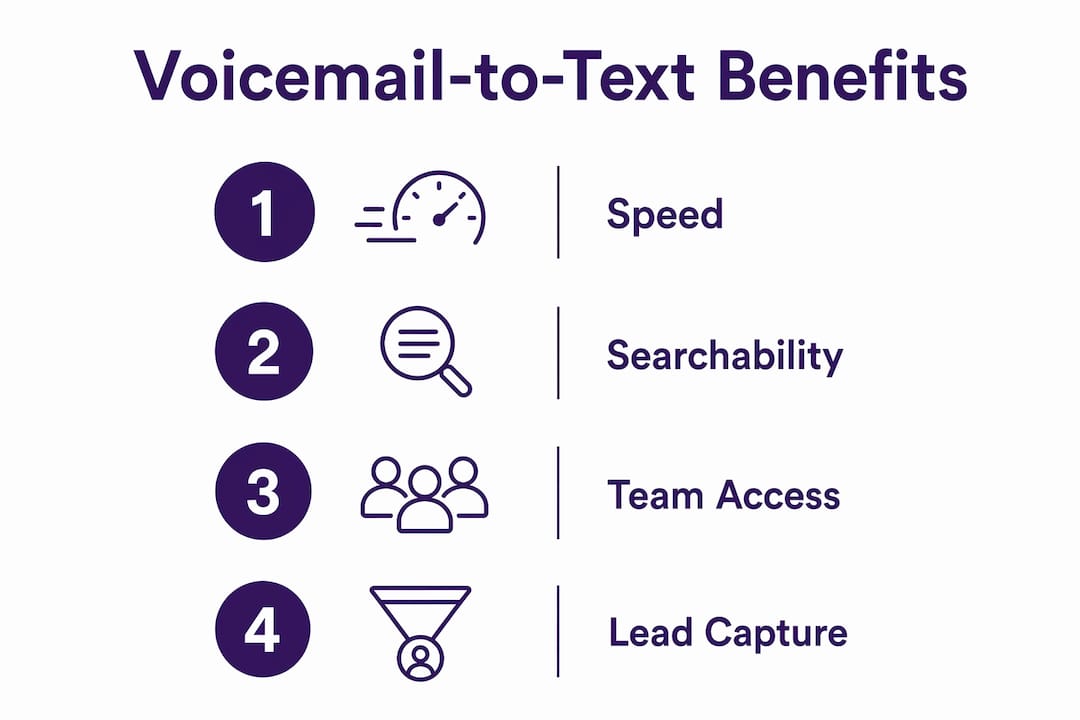
Beyond speed, three other benefits compound over time.
Searchable records. Transcripts delivered to email become searchable by phone number, date, and client name. Six months from now, when a client disputes what they asked for, you have a text record.
Team access. A transcript in a shared inbox means your admin, your partner, or a subcontractor can pick up the request without touching your handset. The job does not stall because you are on the roof.
Automatic lead capture. Treat every transcript as a lead input. When a caller leaves a job address and a best time to visit, that information should flow straight into your quoting tool, not sit in a voicemail box waiting to be forgotten. Automating transcript-to-job linking prevents manual entry and speeds your first response.
Pro Tip: Push transcripts into a single shared inbox or your job-management tool from the start. Checking a separate voicemail app on top of email and AroFlo is the kind of app-hopping that kills an afternoon.
What are your practical setup options?
You can use native phone transcription, a VoIP business number, a third-party transcription service, or a voice-first platform. The right choice depends on how you want transcripts delivered and who needs to read them.
| Setup method | Best for | Speed | Team access | Accuracy with trade terms | Australian availability |
|---|---|---|---|---|---|
| Native carrier/phone | Solo tradies, occasional use | Near real-time | Handset only | Moderate | Yes (iOS/Android) |
| VoIP business number | Small teams, call routing | Near real-time | Shared inbox or CRM | Good | Yes (many providers) |
| Upload-and-transcribe service | Ad hoc or backup use | Minutes (manual) | Anyone with the file | Good to excellent | Yes (web-based) |
| Voice-first platform (e.g. Ask Hayley) | Hands-free, integrated workflows | Near real-time | Job system, email, team | Best with business context | Yes |
Integrating transcripts directly into your business workflow cuts admin overhead and removes the risk of a message being trapped on one device. For tradies who need Xero or AroFlo integration and a hands-free setup, a voice-first platform gives the best balance of accuracy, delivery, and control.
What should you look for when choosing a service?
Prioritise accuracy for phone numbers and addresses, integration with your job tools, and clear data handling terms. A transcript that garbles a street number or drops a callback number is worse than no transcript at all.
- Accuracy with trade terms and numbers. Test with real messages that include an address, a phone number, and a trade-specific term before committing.
- Delivery method. Email or direct API into your job system beats a proprietary app. Confirm the provider can post to your email domain or webhook into AroFlo or Xero.
- Integration options. Ranked by priority: email/SMTP delivery first, direct API or webhook to your job system second, CSV or attachment export for manual import third.
- Pricing model. Per-message fees suit low volumes; a monthly subscription suits busy periods. Know which you are signing up for.
- Australian support and data hosting. Ask the provider directly: “Do you host data in Australia?” and “What are your data retention and deletion policies?”
Questions worth asking on a sales call: “How are transcripts delivered?” “Can you post to my job system or email domain?” “What accuracy can I expect for numbers and addresses?”
What does voicemail-to-text typically cost, and how long does setup take?
Expect either a low monthly subscription or a per-message fee. Simple setups can be live the same day; full integration with a job-management system takes longer.
| Setup path | Typical cost shape | Time to live |
|---|---|---|
| Native phone toggle (iOS/Android) | Free (built-in) | Minutes to hours |
| VoIP business number | Monthly subscription | Hours to 1 day |
| Upload-and-transcribe (ad hoc) | Free tier or pay-per-file | Same day |
| Voice-first platform with integrations | Monthly subscription | a few days to a couple of weeks |
Allow extra time for accuracy testing with your specific trade terms and local addresses. A plumber in regional Queensland will hear different results from a generic transcription engine than an electrician in inner Sydney.
Australian privacy and recording basics you need to know
Treat any voice message containing a caller’s name, address, or contact details as personal information covered by the Privacy Act. The Office of the Australian Information Commissioner (OAIC) provides practical guidance on handling this kind of data for small businesses.
Practical compliance steps:
- Inform callers when calls may be recorded or transcribed (a short message on your voicemail greeting is sufficient).
- Store transcripts securely, with access limited to staff who need them.
- Set a retention period tied to your business need, then delete records beyond it.
- Document your approach, even briefly, so you can demonstrate compliance if asked.
- Choose providers with clear data-use policies rather than free tools that may retain or analyse uploaded audio.
Pro Tip: Prefer providers that host data in Australia or carry explicit contractual terms about data use and deletion. Ask before you sign up, not after.
A hands-free workflow from missed call to booked job
A well-built workflow captures the voicemail, converts it to text, links it to the right client record, and creates a follow-up task automatically. Here is how it looks for an electrician.
A caller leaves a message: “Hi, it’s Sandra from 14 Banksia Street, Manly. I need a quote for a switchboard upgrade. Best time is Thursday morning.” The voicemail audio is saved, transcribed within seconds, and the transcript is routed to the shared inbox and matched to Sandra’s existing client record in AroFlo. An admin or an AI assistant schedules a Thursday site visit and sends Sandra a confirmation SMS. The electrician sees the job on their calendar before they finish the current one.
Email parsing or webhooks handle the routing automatically, removing manual data entry entirely. The tradie never had to stop work, open an app, or listen to the message.
Your checklist to get voicemail-to-text running this week
Do these tasks this week to be operational and confident in your setup.
- Choose your delivery method (native phone, VoIP, upload service, or voice-first platform).
- Enable voicemail forwarding or connect your number to the transcription service.
- Configure the delivery destination: shared email inbox, AroFlo job records, or Xero notes.
- Leave three test voicemails including a full name, a street address, and a callback number.
- Check the transcripts for accuracy on numbers and addresses specifically.
- Set a retention rule: decide how long transcripts are kept and where they are stored.
- Brief your admin or co-workers on where transcripts arrive and what to do with them.
- Document a fallback step for when transcription fails (e.g. listen to the original audio attachment).
Key takeaways
Voicemail-to-text gives Australian tradies a faster, searchable, team-accessible record of every missed call, with the best results coming from a voice-first platform integrated directly into your job management tools.
| Point | Details |
|---|---|
| Speed is the core benefit | Scanning a transcript between jobs is faster than listening, protecting billable time. |
| Delivery destination matters most | Transcripts in a shared inbox or job system (Xero, AroFlo) are far more useful than those trapped on one handset. |
| Test accuracy before you rely on it | Always test with real messages containing addresses and phone numbers before going live. |
| Privacy Act applies | Any transcript with personal caller details is covered; inform callers and store data securely. |
| Ask Hayley for hands-free integration | Ask Hayley captures calls, transcribes them, and routes transcripts into job workflows for Australian tradies. |
Why voice-first is the only sensible approach for tradies
Most voicemail-to-text guides are written for office workers sitting at a desk. They assume you can open an app, copy a transcript, and paste it into another system. Tradies do not work that way. Your hands are full, the site is noisy, and the last thing you need is another manual step between a missed call and a booked job.
The conventional wisdom says “just enable transcription on your phone.” That is fine for a solo operator getting two calls a day. It falls apart the moment you have a team, a busy quote pipeline, or clients who expect a fast response. Native transcription does not link to your job system, does not alert your admin, and does not create a follow-up task. It just sends you a text message.
What actually works is treating voicemail transcription as one step in a connected workflow, not a standalone feature. The transcript needs to arrive somewhere your business already operates, whether that is your email, AroFlo, or Xero, and it needs to trigger the next action automatically. That is the gap a voice-first platform fills.
Ask Hayley handles this for Australian tradies
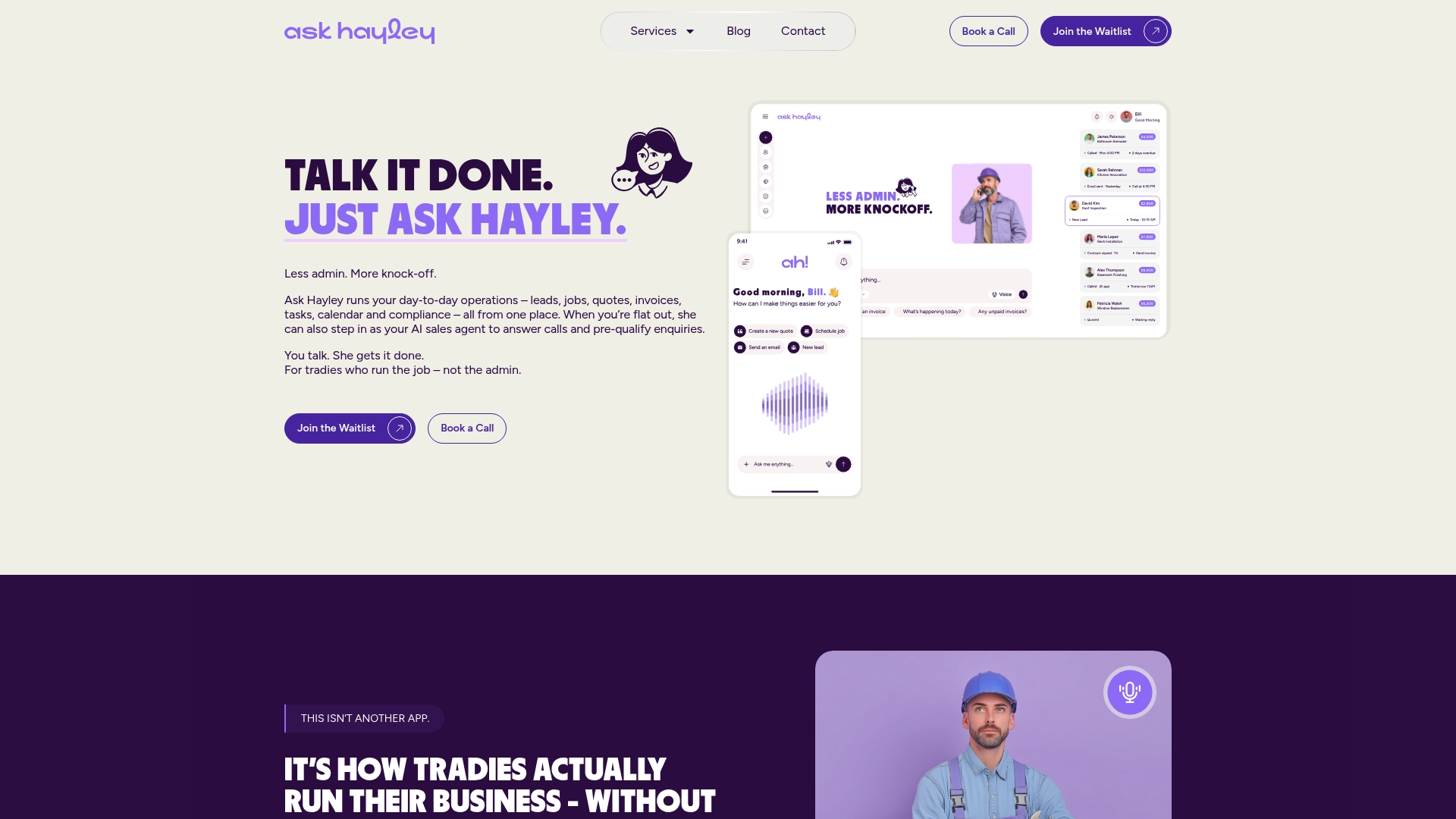
Missing a call costs more than the call itself. It costs the quote, the job, and sometimes the client relationship. Ask Hayley answers inbound calls when you cannot, transcribes voicemails, and routes the details into your job workflow automatically, so nothing falls through the cracks.
The Assistant and Office Manager plans both include call handling and transcript routing, with direct integrations into Xero and AroFlo. You do not need to set up forwarding rules, manage a separate inbox, or train your team on a new app. Hayley handles the admin so you can stay on the tools.
If you are losing leads to missed calls or spending time on voicemail admin that should be billable, book a demo with Ask Hayley and see how the workflow runs for your trade.
Useful sources and further reading
- Office of the Australian Information Commissioner — guidance on the Privacy Act and handling personal information for small businesses.
- Ask Hayley platform and plans — voice-first call handling, transcription, and job management integrations for Australian tradies.
- Ask Hayley services — professional services including setup support and compliance documentation.
- TicNote voicemail transcription guide — practical steps for iPhone and Android voicemail export and transcription workflows.
- VMTranscribe — voicemail-to-email transcription service with searchable inbox delivery.
This article is general information only. For advice specific to your privacy obligations or business situation, consult the OAIC guidance or a qualified professional.