


Good job photo management means every photo you take on site is tied to the right job, shows when and where it was taken, and sits in one place you can find in under a minute. That is what turns a camera roll into evidence when a client disputes a variation, an insurer asks what the site looked like before you started, or an auditor asks for your inspection records.
Most tradies take plenty of photos. The trouble starts three months later, when you are scrolling past 4,000 images of ute dashboards, pets and takeaway to find one switchboard.
This guide shows you a simple system: what to shoot, how to name and store it, how long to keep it, and how to do it without adding hours to your week.
TL;DR
- Photos only help you when they are tied to a job, a date and a location at the time you take them. Sorting later rarely happens.
- Shoot a fixed set at every job: before, during (anything that will be hidden), variations, defects found, and after.
- Keep photos in one central place, not on your phone. Retention periods in Australia range from a couple of years for safety records to many years for building work.
- Archive old versions instead of deleting them, so you can show a clean record to a regulator or tribunal.
- Voice notes at the moment of capture are the fastest way to label a photo when your hands are full.
Table of Contents
- Why a camera roll is not a record
- The five photo moments that protect you
- How to take photos you can actually use
- Naming and filing: the part that usually breaks
- How long to keep job photos
- Don’t delete: archive
- Making photos part of your normal job flow
- What we think about job photos
- Where Ask Hayley fits
- A simple checklist to start this week
- FAQ
- Sources
Why a camera roll is not a record
A photo on your phone proves very little by itself. It has no job number, no note about what it shows, and no link to the quote or variation it relates to. If your phone drops off a roof or gets upgraded, it may be gone.
A job record is different. It answers four questions without you having to explain:
- Which job is this? The photo is attached to a customer, address and job number.
- When was it taken? A timestamp that was set by the device, not typed in later.
- Where was it taken? Location data on, so the address matches.
- What does it show, and why does it matter? A short note: “existing water damage to bathroom wall, behind vanity”.
The photo itself matters less than that context. A blurry image with a clear note and a timestamp beats a beautiful shot nobody can place.
Industry commentary on field documentation makes the same point. Photos are most useful when they are linked to the job at capture, because that is what makes them hold up when a payment or defect dispute lands later. We have seen that pattern in how trade businesses describe their own disputes: the work was done well, but the proof was scattered.
The five photo moments that protect you
You do not need to photograph everything. You need to photograph the same things, every time. Here is a set that works across most trades.
1. Before you touch anything
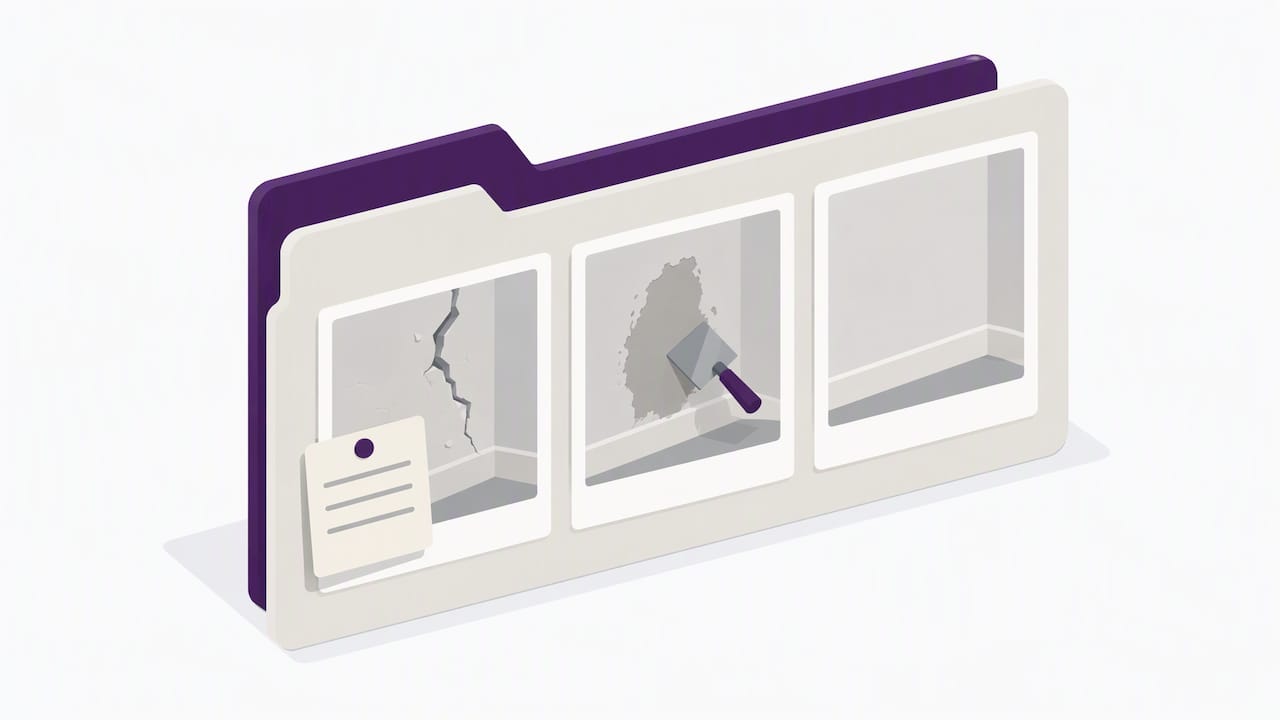
Walk the site and photograph the existing condition: damage, cracks, stains, old work by other trades, access issues. This is your baseline. If a client later says you scratched the floor or cracked the tile, you have the answer.
Take wide shots first, then close-ups of anything already damaged. For electricians and plumbers, that includes the existing board, meter or hot water unit. For arborists, the tree, the surrounding fences, roofs and powerlines.
2. Anything that will be covered up
If it will be hidden by plasterboard, concrete, paving, a roof sheet or soil, photograph it first. Waterproofing membranes, in-wall pipework and wiring, reinforcing steel, drainage falls, flashing and insulation all belong here. Include something in frame that shows scale and location, such as a tape measure or a room feature.
3. Variations and surprises
When the job changes, take the photo before you start the extra work. Asbestos suspected, rotten framing, a wall that is not where the plans say it is: photograph it, note it, and send the client the change in writing. Our guide to the change order process for Australian contractors walks through the steps, and the photo is the first one.
4. Defects you found that are not yours
If you find a problem caused by earlier work or by something outside your scope, photograph it and record that you told the client. This protects you if the problem later gets blamed on your work.
5. The finished job
Take after photos from the same angles as the before shots. Include the clean-up, labels, test results and any compliance plates or certificates. These photos also feed straight into handover paperwork. See our guide to project handover documentation for what to pull together at the end of a job.
How to take photos you can actually use
Technique is simple, and you do not need a fancy camera. A few habits make the difference:
- Turn location on for your camera app, and check your phone’s date and time are automatic.
- Shoot wide, then close. Context first, detail second.
- Use consistent angles so before and after shots line up.
- Put a reference in frame: a tape, a level, a job sheet or a room landmark.
- Clean your lens. Dust, sunscreen and concrete slurry ruin more photos than bad light.
- Avoid heavy filters and edits. An edited photo invites questions.
If you also use your best work shots for your website or social media, a short guide on photographing your own work on a phone covers framing and lighting for marketing shots. Keep those separate from your evidence set, and never publish customer photos without asking.
A note on photographing clients’ homes and people
Your evidence photos are taken in someone else’s home or business. Keep faces, documents, screens and personal items out of frame where you can. If you want to use a job photo in your marketing, get the customer’s agreement first. This walkthrough on getting photo consent right includes sample wording you can adapt, though check your own obligations under Australian privacy rules if you are unsure.
Naming and filing: the part that usually breaks
The biggest failure point is not taking photos. It is filing them. Three options exist, and they suit different businesses.
| Approach | Works well when | Where it breaks |
|---|---|---|
| Phone camera roll | You do a few jobs a month, work alone | No job link, hard to search, lost with the phone |
| Folders in cloud storage | You have an office person who sorts weekly | Needs manual renaming, nobody does it during busy weeks |
| Job-linked records in your management system | You run multiple jobs or crews | Needs a tool that fits how you actually work on site |
If you use folders, a naming pattern that survives growth looks like this:
JobNumber_Suburb_Area_Description_YYYYMMDD
For example: 2417_Parramatta_Bathroom_Waterproofing-Before-Tiling_20261017.
The date format puts the year first, so files sort in order. Keep the job number at the front so one search pulls the whole job.
The rule that matters most: file on the day. Ten minutes at the end of a job is easy. Ten hours at the end of a quarter never happens.
How long to keep job photos
There is no single Australian rule that says “keep every job photo for X years”. Retention depends on your trade, your state, the type of work, and what the photos are evidence of. Here is what the official sources say, and what it means for you.
Safety records. Safe Work Australia’s model code of practice for construction work sets out when a safe work method statement is required for high-risk construction work. If you are writing SWMS, the inspection and compliance photos that support them belong in the same file. Check your state regulator for how long records must be kept, as some requirements run for a set period after a notifiable incident.
Building records. The Victorian Building Authority’s code of conduct for building surveyors lists inspection notes, correspondence and site visit records among the documents surveyors must maintain. That rule is written for surveyors, not for you, but it shows how regulators think about records: dated, retrievable and complete.
Government recordkeeping. The Queensland Government’s advice on digital images, audio and video covers how images should be made, managed, stored and disposed of. It is aimed at public agencies, but the principle applies to any business: treat images as records, not throwaways.
Your own risk. Think about how long you could face a claim. Defect and warranty periods for building work can run for years, and your state’s building regulator (for example QBCC in Queensland, NSW Fair Trading, or the VBA in Victoria) sets the rules for your licence class. Call them or check their website for your work type. If you are unsure, keep job photos for at least as long as the longest warranty or defect period that applies to your work, and ask your accountant or insurer to confirm.
This is general information, not legal advice. For a specific dispute or a retention question on a particular licence, talk to your state regulator, your insurer or a lawyer who works in construction.
Don’t delete: archive
When a document is replaced or updated, resist the urge to delete the old one. WorkSafe Tasmania’s record keeping guidance says record keeping is about more than paperwork: it shows workers, regulators and customers that you are managing safety properly. Its advice on superseded documents is to mark them as obsolete and keep them, so you can show how your system has changed over time.
The same logic works for job photos. If you retake a photo after a fix, keep the original with a note. A record that shows the problem, the fix and the result is stronger than one that shows only a clean outcome.
Making photos part of your normal job flow
Photo management fails when it is a separate task. It works when it sits inside things you already do. Here is how that looks across a typical job:
- Quote stage. Take site photos while you measure. Attach them to the quote so the scope is clear.
- Job booked. Add the job number to your photo folder or record before you arrive.
- On site. Shoot your five moments. Add a short note to each photo, spoken or typed.
- Variation. Photo, note, written approval from the client, then proceed.
- Completion. After photos, test results, sign-off and invoice, all linked to the same job.
- Archive. Move the lot into your long-term record.
If you manage the job as a work order, photos belong inside it. We cover this in our piece on work order tracking. And if your jobs need a daily record, our page on site diary requirements explains what to log alongside the photos.
The voice shortcut
Typing a caption with gloves on is miserable. Speaking one takes five seconds: “Job 2417, bathroom, membrane applied to floor and 150 mil up the walls, ready for inspection.” That one sentence is the difference between a photo and a record. It is also why we built Ask Hayley around talking rather than typing.
What we think about job photos
We talk to a lot of trade business owners about admin, and the pattern is consistent. Nobody skips photos because they don’t care. They skip the filing because they are on a roof, under a house or halfway up a ladder, and the admin can wait. Then it waits for months.
Our view is that photo management should not be its own project. It should be one part of a single job record that also holds the quote, the variations, the compliance paperwork and the invoice. When the photo lives next to the paperwork it supports, you do not have to hunt for it.
We also think voice is the right way to label work in the field. If it takes more than a few seconds, it will not happen on a busy day. The goal is to cut admin that depends on you sitting down at a screen, because that is the admin that piles up.
Whatever tool you use, check three things. Does it tie the photo to a job at capture? Can your team use it with dirty hands? Can you get everything out if you switch systems later? If the answer to any is no, you will end up back in the camera roll.
— Hayley
Where Ask Hayley fits
Ask Hayley is a voice-first business management platform built for Australian tradies. You talk to Hayley instead of working through forms and dashboards, and she handles day-to-day admin, answers calls you cannot take and pre-qualifies leads before they reach your inbox. The platform covers quoting, invoicing, task management, a calendar, compliance tracking and reporting, with integrations including Xero and AroFlo.
If your bigger gap is the paperwork that photos support, we also build professional documents: safety and compliance documentation, tender submissions and one page websites. Have a look at our safety and compliance documentation service, or start at the Ask Hayley home page to see how the platform works.
A simple checklist to start this week
You do not need new software to improve this week. Try this:
- Turn on location and automatic date and time on every work phone.
- Agree a standard set of shots with your crew: before, hidden work, variations, defects, after.
- Pick one naming pattern and write it on a card in the ute.
- Block ten minutes at the end of each job to file photos and notes.
- Create one central place for finished jobs and move photos off personal phones every Friday.
- Check your state regulator’s record rules for your licence and note the retention period in writing.
Once that habit holds, upgrading to a job-linked system is straightforward, because you already know what you need it to do.
FAQ
What is the best way to organise job photos?
Attach every photo to a job number, date and address when you take it, and add a short note about what it shows. Keep them in one central place rather than on your phone. A consistent naming pattern or a job-linked record in your management system does the rest.
Do job photos hold up in a dispute?
They help most when they carry a timestamp and location, are linked to a specific job, and are backed by written notes or client sign-off. A photo on its own is weaker than a photo with a record around it. For a live dispute, talk to your state regulator, insurer or a construction lawyer.
How long should I keep job photos in Australia?
It depends on your state, trade and type of work. Safety and building records have set periods in some jurisdictions, and warranty periods can be long. Check your state regulator for your licence class, and keep photos at least as long as the longest defect or warranty period that applies to your work.
Should I delete old photos when I retake them?
No. Keep the original, mark it as superseded in your notes, and add the new one. A visible history of problem, fix and result shows careful management to an auditor, insurer or client.
Can I use job photos on my website?
Only with the customer’s agreement, and with personal details removed. Keep your evidence photos and your marketing photos separate so a casual share never exposes a client’s home.
Sources
- Victorian Building Authority: document and maintain records
- Queensland Government: digital images, audio and video
- WorkSafe Tasmania: record keeping


