


Yes, you can create valid job quotes on site using your voice, as long as you capture the right fields as you go. Mapping your spoken details to what the Australian Taxation Office needs for a tax invoice means your quote converts cleanly later. Platforms that support voice quoting, and accounting tools like Xero, make this a one-step process instead of a paperwork chase.
TL;DR:
- Voice-to-quote systems must capture all necessary fields, including customer details, line items, prices, and GST, to later produce a valid tax invoice.
- Using structured voice prompts helps ensure accuracy and speeds up quote creation, keeping within a five-minute window on site.
- Exporting quotes directly into accounting systems like Xero or using Peppol eInvoicing streamlines billing and simplifies BAS compliance.
- Maintaining records for five years is mandatory, regardless of whether quotes are created via voice, PDF, or eInvoice formats.
- Correct handling of ABN, GST, and clear description fields is essential to avoid future reconciliation issues or tax headaches.
Table of Contents
- How does a voice-to-quote workflow actually work?
- Quick start: creating a full quote by voice in one site visit
- What does a quote need to include to become a tax invoice later?
- Which outputs and integrations work best for Australian tradies?
- Voice prompts and templates you can use on site
- Common voice-to-quote mistakes and how to fix them
- Hayley’s note: built for the reality of site work
- Ask Hayley: voice-first quoting built for tradies
- FAQ
- Sources
- Authoritative links and official guidance
How does a voice-to-quote workflow actually work?
Every voice-to-quote system, no matter how simple or advanced, runs through four stages. Understanding them helps you pick the right tool and avoid gaps that cause trouble down the track.
- Capture: you speak the job details on site, either into a live transcription tool, a voice recorder for later typing, or a purpose-built voice-first platform.
- Structure: your spoken words get organised into quote fields, customer name, line items, prices, GST, deposit.
- Deliver: the structured quote becomes a PDF, email, SMS or accounting-software entry the customer can review and accept.
- Record-keeping: the quote and its eventual invoice get filed somewhere you can find them again, because the ATO expects businesses to keep relevant records.
The difference between these approaches matters more than it sounds. Live transcription tools convert your words to text in real time, which is fast but can mangle technical terms like “20mm conduit” if you’re not careful. Recorded voice with back-office transcription is more accurate but adds a delay, someone has to listen and type later. Voice-first platforms built for trade admin can skip both problems by structuring the quote as you talk, so there’s no second pass needed.
Quick start: creating a full quote by voice in one site visit
You don’t need to overthink this. Most tradies can run the whole process in under five minutes once they know the sequence.
- Open the job in your quoting tool or app before you start talking.
- Trigger voice capture and state the customer’s full name clearly.
- Confirm the ABN if the job is likely to hit $1,000 or more.
- Dictate each line item with a quantity, for example “supply and install, two downlights.”
- State labour hours and your rate, then materials and their cost.
- Confirm whether GST applies and at what rate.
- State the deposit amount or percentage and the quote’s expiry period.
- Send or save the quote, then set a follow-up reminder.
A 30-day expiry window is a sensible default for most trade quotes, long enough for the customer to decide, short enough that your prices still reflect current material costs. Our quote expiry policy guidance covers how to set and communicate this properly, and our notes on follow-up cadence help you decide when to chase an unanswered quote.
Pro Tip: Read the total price, deposit and expiry date back aloud before you send, and get a verbal “yes, that’s right” from the customer. It takes ten seconds and prevents most disputes.
What does a quote need to include to become a tax invoice later?
A quote that skips key details might look fine today but cause a headache when it’s time to invoice. The ATO’s tax invoice guidance sets out exactly what a tax invoice must contain, so building these fields into your voice capture now saves rework later.
- Your business name and ABN.
- The date the invoice is issued.
- A description of the goods or services, including quantity.
- The price, and the GST amount if you’re registered for GST.
- The buyer’s identity or ABN, required once the invoice reaches $1,000 or more.
GST settings should be captured at quote stage, not left until invoicing.
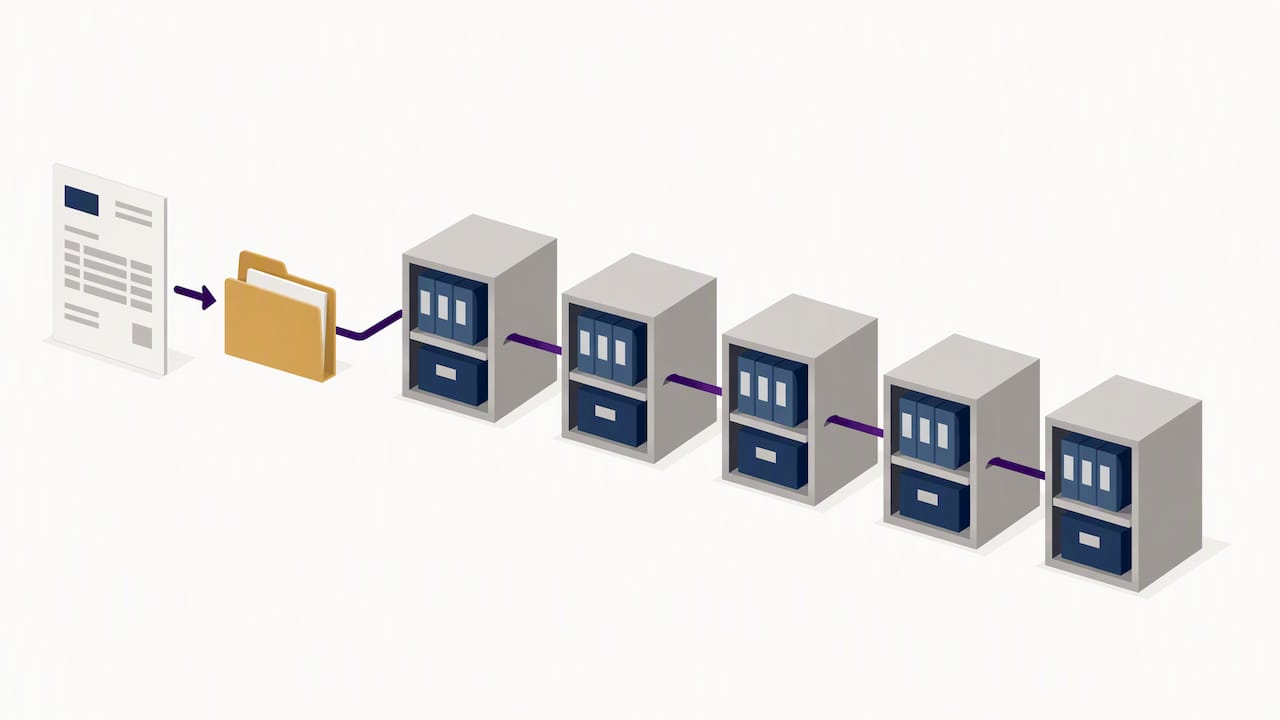
One rule worth remembering: the ATO requires you to keep tax invoices and related records for five years. That’s not a suggestion, it’s how long you need to be able to produce them if asked.
Which outputs and integrations work best for Australian tradies?
A PDF quote is perfectly fine for small, straightforward jobs where you just need something to send and get signed off. Once jobs get bigger, more frequent or involve GST at scale, it’s worth pushing your voice-captured data further.
- PDF quotes suit one-off or low-value jobs where speed matters more than integration.
- Xero export suits tradies running regular invoicing who want quotes to flow straight into bookkeeping without re-typing figures.
- Peppol eInvoicing suits businesses wanting machine-readable invoices that satisfy ATO requirements automatically, since the ATO recognises eInvoices built on the Peppol framework as valid tax invoices when they carry the mandatory data.
Machine-readable outputs make BAS time considerably easier, because the numbers are already structured rather than sitting in a scanned PDF. If you work with an office admin or a BAS agent, exporting your quote and invoice data directly saves them from re-entering everything by hand, and reduces the chance of a figure slipping through wrong.
Voice prompts and templates you can use on site
Having a script in your head means you’re less likely to forget a field mid-conversation. These prompts work as a mental checklist, not a rigid script.
- “Customer’s full name and ABN, if this job’s likely to go over $1,000?”
- “Line item: [description], quantity [number], unit price [amount].”
- “Labour: [hours] at [rate] per hour.”
- “Materials: [item], quantity [number], cost [amount].”
- “GST included, yes or no, at [rate].”
- “Deposit: [amount or percentage], quote valid for 30 days.”
When you’re ready to send, a simple close works every time: “I’ll send this quote by SMS or email now, do you accept the quote for the job described?” Using an expert email marketing agency in Sydney can help automate and improve your client communications. If the customer wants changes, capture them as a new version rather than editing the original, so you’ve always got a clean record of what was agreed.
Pro Tip: Keep your labour rate consistent across quotes by working it out properly once. Our charge-out rate formula guide helps you set a rate that actually covers your time, not just a round number you picked years ago.
Common voice-to-quote mistakes and how to fix them
Most problems with voice-to-quote systems come down to a handful of repeat issues, and each one has a quick fix.
- Missing ABN on a $1,000+ job: ask for it up front, and if the customer won’t provide one, note that withholding may apply and flag it for your bookkeeper.
- Poor transcription accuracy: noisy sites and background tools can scramble spoken figures, so always read back the total and photograph any handwritten backup notes as a safety net.
- Price changes after sending: never edit a sent quote. Issue a new version, keep both on file, and let the customer know which one is current.
Hayley’s note: built for the reality of site work
We designed our platform around the way tradies actually work: hands full, dust everywhere, no time to sit down at a laptop between jobs. Voice quoting isn’t a gimmick; it can be a fast way to get a job locked in before you’ve even packed the van.
— Hayley
Ask Hayley: voice-first quoting built for tradies
Our platform is designed as voice-first so you can create a quote by simply talking, no forms, no dashboard, no typing with dusty hands. Quote details can flow into your existing tools, including Xero, so your bookkeeping stays current without extra admin.
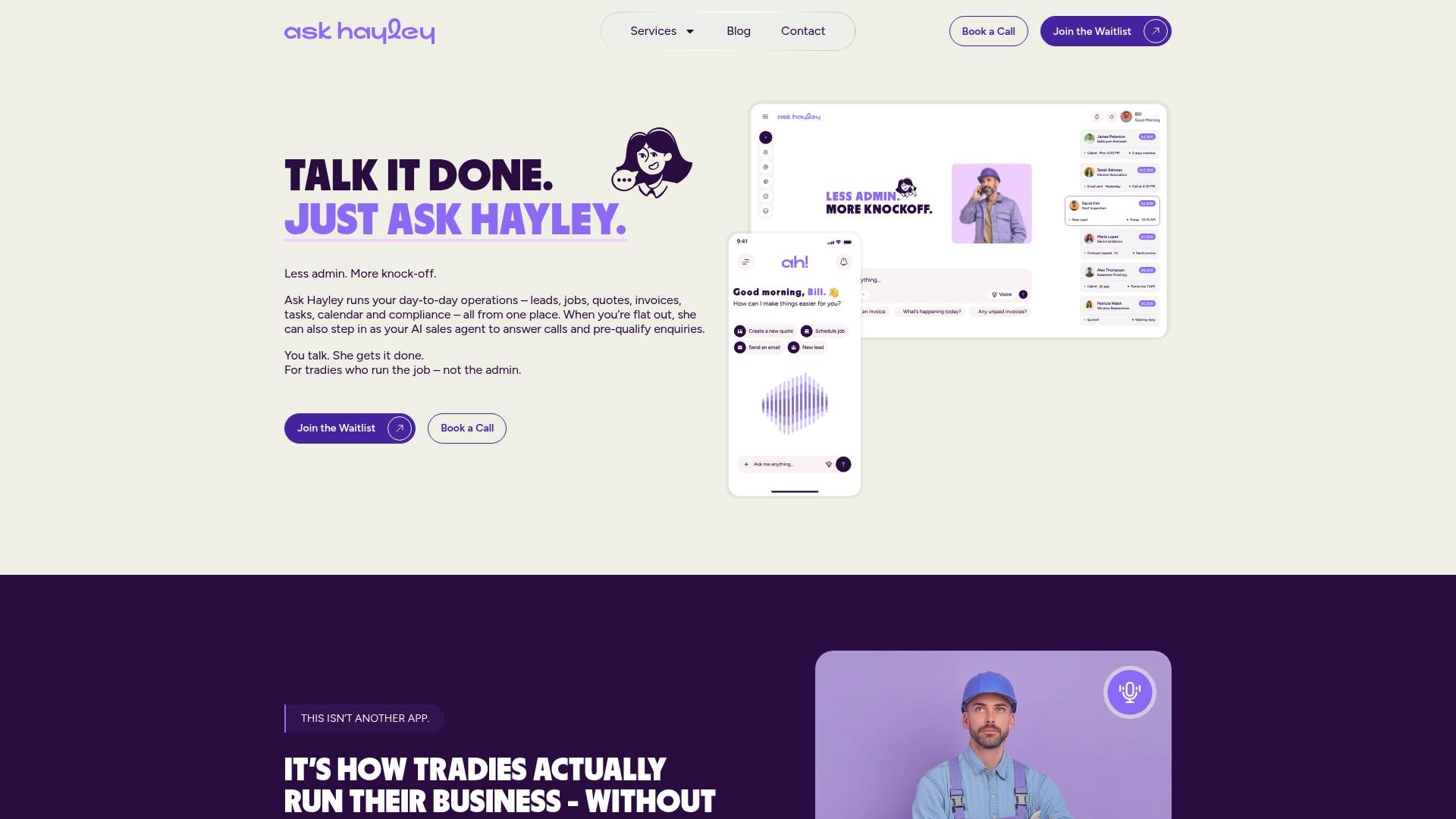
- Dictate a quote on site and have it ready to send before you leave the job.
- Keep your numbers structured from the start, which saves time at BAS season.
- Skip the second app, Hayley handles calls, leads and admin in one place.
If you also need a simple way for customers to find and contact you, our one page website service pairs neatly with voice quoting for a complete, hands-free front door to your business. Visit Askhayley to see how it fits your trade.
FAQ
Can I legally create a quote using only my voice?
Yes, a voice-generated quote is just as valid as a typed one, provided it captures the same information a customer needs to understand and accept the job. The key is making sure the final document includes the fields the ATO requires for a later tax invoice, such as pricing, GST and buyer details where relevant.
Do I need the customer’s ABN for every quote?
No, an ABN is only required once the job reaches $1,000 or more, according to ATO tax invoice rules. For smaller jobs, your name, ABN and a clear description of the work are enough.
How long do I need to keep voice-generated quotes and invoices?
Tax invoices and related GST records need to be kept for five years, as set out in ATO guidance on BAS and GST. This applies whether the quote started as a voice recording, a PDF or a Peppol eInvoice.
What’s the difference between a PDF quote and a Peppol eInvoice?
A PDF quote is a simple document you send and the customer reads, while a Peppol eInvoice is a structured, machine-readable file that software can process automatically. The ATO recognises Peppol eInvoices as valid tax invoices when they contain the mandatory fields, which makes bookkeeping and BAS reporting faster.
Does Ask Hayley handle voice-to-quote for tradies?
Yes, our platform lets you dictate job details on site and turns them into a structured quote without typing, and it connects with tools like Xero for bookkeeping. Pricing for our website, tendering and compliance documentation services is available on request through Askhayley.
Sources
- Tax invoices | Australian Taxation Office
- Setting up your business invoices | Australian Taxation Office
- Creating a quote manually
Authoritative links and official guidance
- Tax invoices | Australian Taxation Office
- Setting up your business invoices | Australian Taxation Office
- BAS and GST tips | Australian Taxation Office
- Creating a quote manually
- Protect your margin: 30 day quote expiry policy for Australian tradies
- Follow-up cadence
- Use real job time to calculate charge-out rates for Australian tradies


