


Yes, Google Calendar can be a practical scheduling hub for tradies when you use a dedicated work calendar, appointment schedules and sensible buffers between jobs. Your first move is simple: create a separate “Work” calendar today, then either set up an appointment schedule that writes to it or make sure your job app checks and writes to that same calendar.
TL;DR:
- Create appointment schedules in a computer browser, since the mobile app cannot build them; some features also require an eligible Google subscription.
- Set every booking and job tool to read and write the Work calendar, then test it on your phone, car display, and partner’s calendar.
- Block travel as separate buffer time and leave extra room after offline bookings because apps may sync only after connectivity returns.
- For recurring maintenance, edit one event when a visit shifts, update the full series when regular timing changes, and review upcoming bookings each quarter.
- Choose voice booking only if it reads existing events, writes to the Work calendar, and captures each customer’s address and job scope.
Table of Contents
- How do you set up Google Calendar for tradie jobs?
- How do you sync Google Calendar with your job apps and phone?
- What habits stop clashes and save admin time?
- Why do bookings go missing or overlap, and how do you fix it?
- Can you book jobs hands-free with a voice assistant?
- How do you manage recurring jobs and maintenance schedules?
- Where does voice-first automation fit on top of your calendar?
- How can we keep your calendar full without more admin?
- FAQ
- Sources
How do you set up Google Calendar for tradie jobs?
Do this on a computer. Google’s own help page says appointment schedules can’t be created in the Calendar mobile app, and some features need an eligible Google Workspace or Google One subscription.
- Create a dedicated “Work” calendar and keep family and personal calendars private. Practitioners recommend keeping a separate work calendar so job details stay out of family views while still showing on devices like Apple CarPlay and Android Auto.
- Open Google Calendar in a web browser, create an appointment schedule and choose your Work calendar as the one it writes to.
- Set your scheduling window, minimum lead time, buffer time and maximum bookings per day. Set a suitable lead time so customers can’t book while you’re already tied up on a job.
- Add the booking form fields you need (suburb, job type, a short description) and turn on email verification or require sign-in to cut down spam bookings.
- Put the job address and a one-line scope in every event description, and set default reminders so you’re not chasing no-shows.
Pro Tip: Block your travel time as its own buffer instead of padding the job itself. Your booking page then stops offering slots you can’t physically reach.
If you want customers to get texts before a visit, our guide to SMS appointment reminders covers the options.
How do you sync Google Calendar with your job apps and phone?
Think of Google Calendar as the place every schedule meets, not as your whole admin system. Syncing it with your job-management platform makes jobs visible in the vehicle and to partners without typing the same entry twice.
- Check calendars for availability: whichever booking page or job app writes to your calendar, make sure it also reads your Work calendar so it never offers a slot you’ve already filled.
- Write to one calendar: point every tool at the Work calendar, not your personal one, so clashes show up in one place.
- Offline behaviour: some tradie scheduling apps, such as QuoteMate, save jobs locally and push them to Google Calendar once you’re back online. Leave extra buffer around jobs booked from a dead-zone site, because a clash can sneak in before the sync lands.
- In-car display: confirm your phone is signed in to the same Google account and that the Work calendar is ticked in the mobile calendar app, otherwise CarPlay or Android Auto won’t show it.
- Shared visibility: if your partner or apprentice needs to see the schedule, share the Work calendar with view access rather than forwarding screenshots.
Job apps and booking tools such as ServiceM8 are commonly used by Australian tradies, and roundups of booking tools note their Google Calendar integrations. Whatever you pick, the rule is the same: one calendar, read and write.
Pro Tip: After connecting any app, book a test job from your phone and check it appears on your laptop, in the car and on your partner’s view before you rely on it.
What habits stop clashes and save admin time?
A few small rules make a calendar work on the tools. They cost nothing and pay off from the first week.
- Name jobs consistently: use “Surname, suburb, brief scope” so you can read the day at a glance, and put the site address in the notes for navigation.
- Add travel time: book travel as a buffer between jobs and set realistic durations instead of defaulting to half days or full days.
- Log costs near the job: note parts, expenses and travel right after the visit. Recording these close to the job creates an audit trail for ATO compliance, and delaying risks lost deductions.
- Share a booking link: put your booking page on your website or in an SMS so customers self-book into open slots and your inbound admin drops.
- Block non-job time: use colours and a second calendar for training, admin and family commitments, so availability checks stay accurate.
Job management tools handle scheduling and quoting well, but many growing tradie businesses add voice-first or AI automation to capture missed leads. A calendar only knows about work that has already been booked. The enquiry you missed while on a ladder never reaches it.
For more routines worth copying, see our hands-free job scheduling practices.
Why do bookings go missing or overlap, and how do you fix it?
Most calendar problems trace back to a handful of settings. Work through these in order.
- Missing events: check which calendar your appointment schedule writes to, then confirm that calendar is visible and ticked on every device.
- Overlapping bookings: open the schedule’s availability settings and make sure “check calendars for availability” includes every work calendar, plus any co-host’s calendar if you share bookings.
- No slots showing: look at your minimum lead time and your scheduling window. A short window or long lead time can leave the page empty.
- Nothing in CarPlay or Android Auto: confirm the phone uses the same Google account and that the calendar is enabled in the mobile calendar app.
- Spam appointments: require email verification on bookings, or restrict booking to people who sign in with Google.
If a fix doesn’t hold, go back to the first step. A schedule writing to the wrong calendar causes more trouble than any other single setting.
Can you book jobs hands-free with a voice assistant?
You can, and on-site it’s the difference between booking the job now and remembering it at 9 pm. A voice assistant on your phone can add an event to your Google Calendar while your hands are full. A voice-first tool goes further: it answers the call, asks the customer a few questions and places a booking into the calendar.
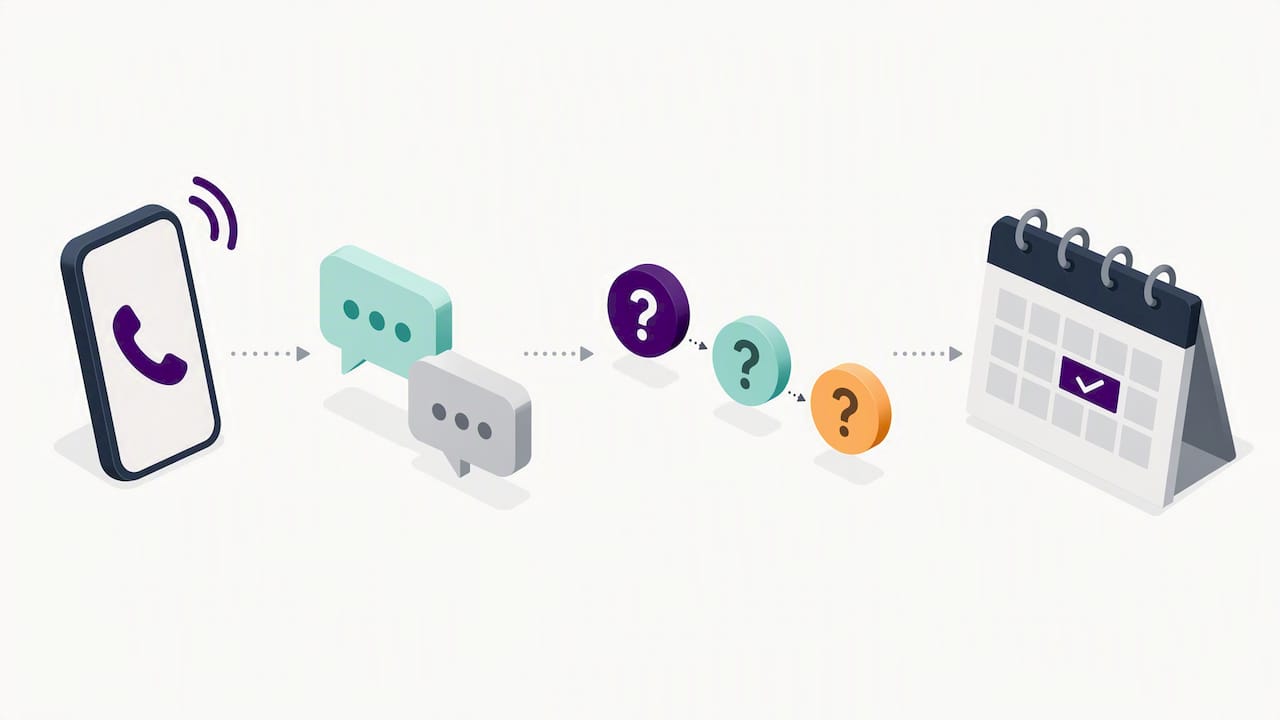
Voice-first intake handles the part Google Calendar can’t. The calendar stores and protects your time, but it doesn’t pick up the phone. Pairing it with a tool that answers calls and writes bookings to the same Work calendar keeps the single-source schedule you’ve just built.
A few things to check before you rely on any voice tool:
- It writes to your Work calendar, not a new one.
- It reads your existing events, so it never offers a time you’ve blocked.
- It captures the address and a short scope, so your event description is complete.
Some providers offer after-hours call answering and appointment booking through calendar integrations, which shows the model works across trades. If your calls go to voicemail, our missed call recovery guide shows how voice-first handling gets that work back, and our phone answering scripts help if you answer yourself.
How do you manage recurring jobs and maintenance schedules?
Recurring work is where Google Calendar earns its keep. Routine pump checks, backflow tests, gutter cleans and safety inspections can repeat, and a recurring event means you never rebuild them from scratch.
- Use recurring events with a sensible rule: A consistent recurring rule is easier to plan around than a fixed date that lands on a public holiday.
- Give each series its own calendar colour: maintenance contracts in one colour, one-off call-outs in another, so you can see at a glance how full a week really is.
- Put the customer’s history in the description: last service date, what was replaced and any access notes, so the next visit starts informed.
- Edit “this event” or “this and following”: when a customer shifts one visit, change only that one. When they change their regular day, update the series.
- Add a reminder before the slot: an advance prompt gives you time to order parts or confirm access.
- Review each quarter: scan the next three months for series that have gone quiet or customers who have left, and remove them so your availability stays honest.
Recurring jobs also feed your booking page. Because they sit in your Work calendar, availability checks treat them as busy, and customers can’t book over a standing maintenance slot.
Where does voice-first automation fit on top of your calendar?
Google Calendar does the scheduling heavy lifting, but it doesn’t answer the phone or chase a lead you missed. That’s where I see tradies lose work: not in the calendar itself, but in the gap before a job reaches it. A customer rings, gets voicemail, and calls the next name on the list.
Voice-first automation closes that gap by capturing the enquiry, asking the right questions and placing the booking into the calendar you already trust, with no extra app to learn. It doesn’t replace your calendar. It feeds it. If you want to see how that works in practice, start with our hands-free scheduling practices.
— Hayley
How can we keep your calendar full without more admin?
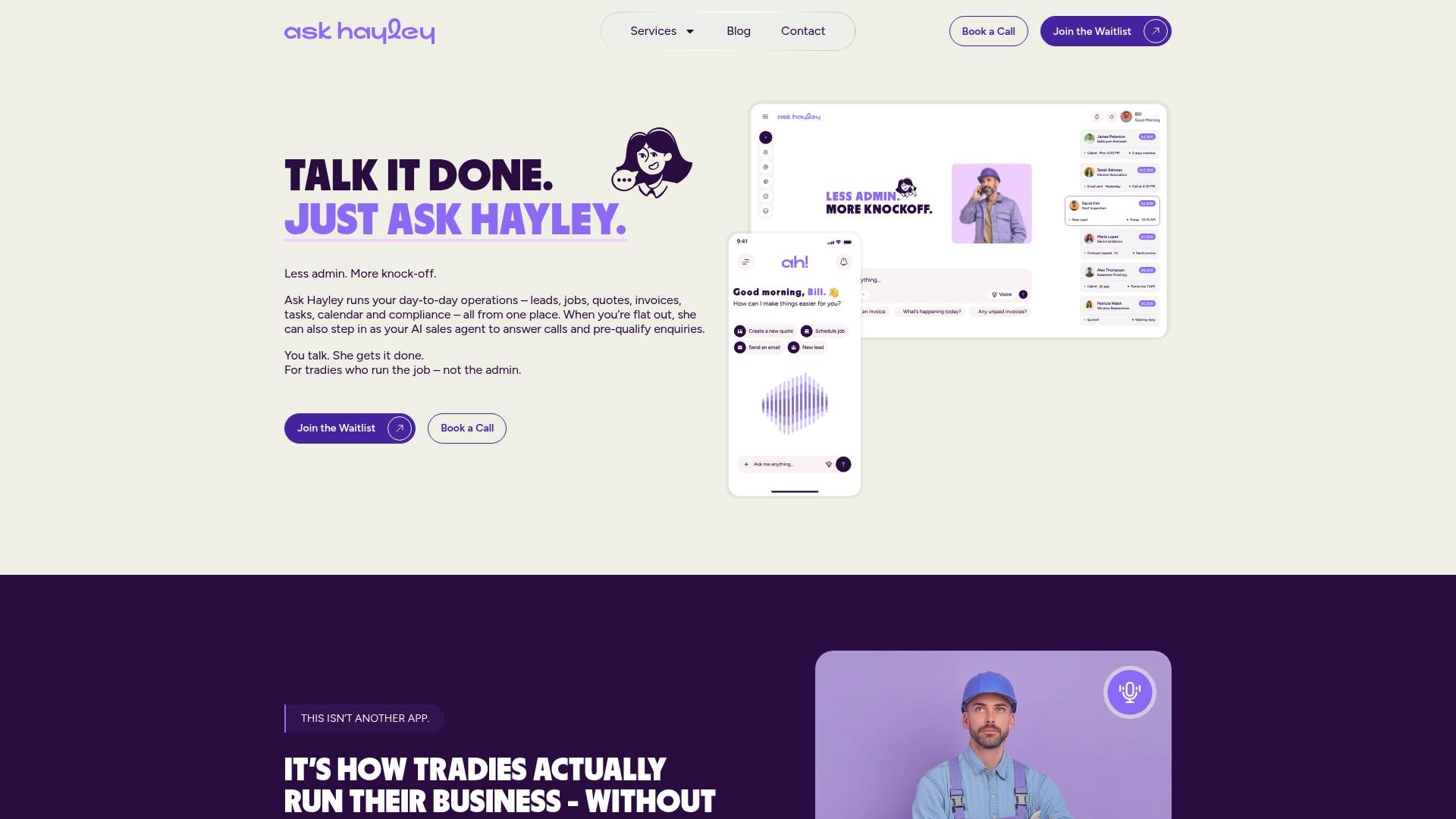
We built Ask Hayley for Australian tradies who already live in a calendar and don’t want another app. You keep your calendar-centred schedule, and we handle the calls and enquiries that never reach it.
- We answer inbound calls when you can’t and pre-qualify leads before they land in your inbox.
- We capture enquiries by voice, so you have the details you need to follow up.
- We fit the way you work: hands full, on-site, no screen time needed.
Visit the Ask Hayley homepage to see what we offer.
FAQ
What is the app for tradies?
There isn’t one single app. Tradies commonly combine a job-management tool for quoting and invoicing with a calendar such as Google Calendar for scheduling. Many add a voice-first tool like ours to answer calls and capture leads that the calendar alone would miss.
Is there a better calendar than Google Calendar?
For most tradies, the better question is which calendar syncs with your other tools. Google Calendar is widely supported by job apps and in-car displays, which makes it a strong hub. Switch only if a tool you rely on can’t write to it.
How do you set up Google Calendar for work?
Create a separate Work calendar, then build an appointment schedule on a computer, since it can’t be created in the mobile app. Set your buffer, lead time and daily booking limit, and make sure availability checks include every calendar you use.
Can Google Calendar stop double-booking?
Yes, when your booking page or job app checks your Work calendar for availability before offering a slot. Overlaps usually happen when a tool writes to or reads from the wrong calendar, so confirm every integration points at the same one.


